Step 1 of 3
Download App
Use your iOS or Android phone to download the app IKETech app.
You will need a phone with a working camera and Bluetooth enabled.


 America’s Best Vape™
Step 1 of 3
Use your iOS or Android phone to download the app IKETech app.
You will need a phone with a working camera and Bluetooth enabled.
Step 2 of 3
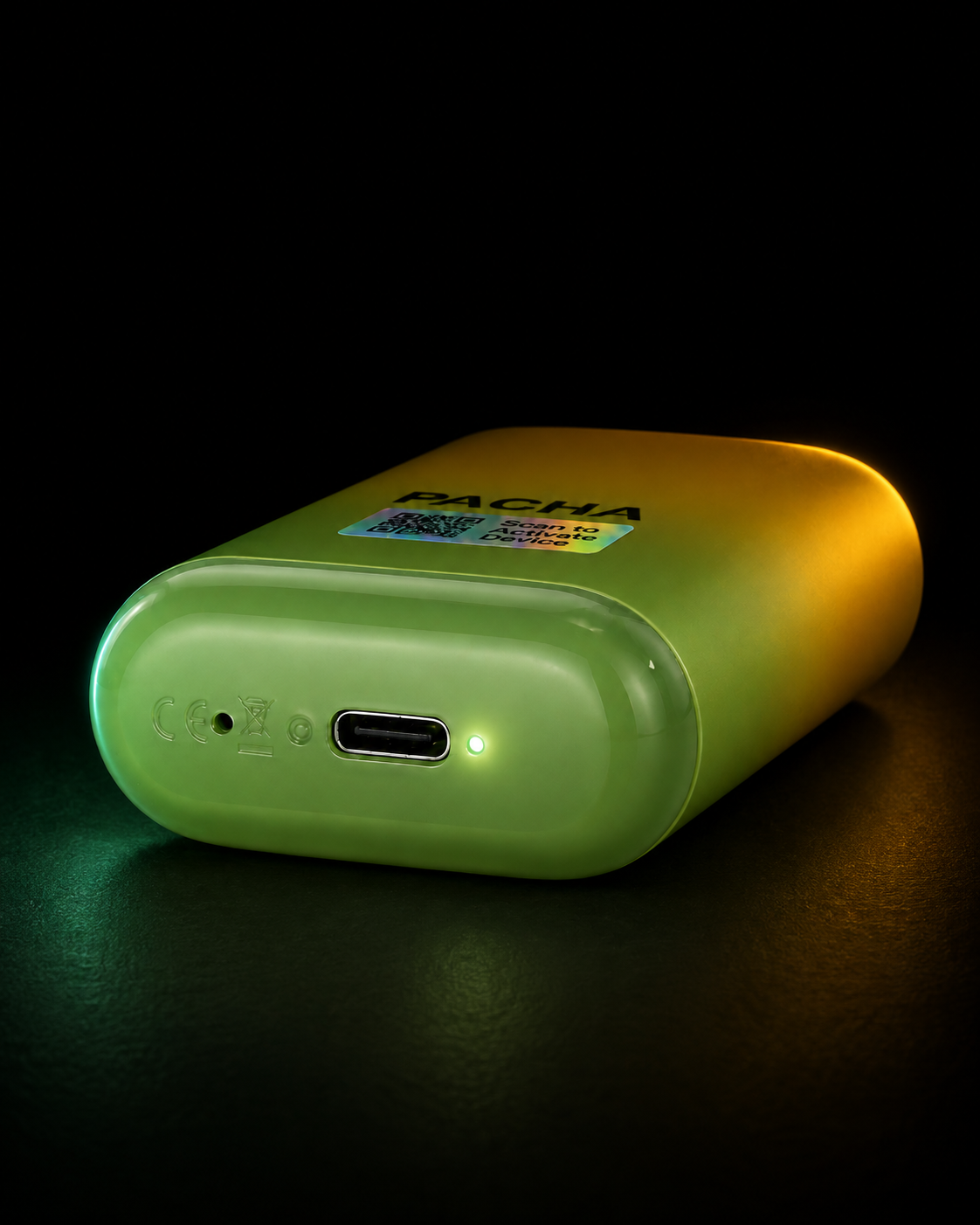
Open the app and select Get Verified. Complete verification before trying to connect your PACHA device.

Step 3 of 3
Inhale through the mouthpiece once to power on your PACHA and make it discoverable through Bluetooth.
A green power icon and “Device connected” confirm activation.
Uh OH
Inhale through the mouthpiece again, confirm the device light is flashing, keep the device close to your phone, then refresh or reopen the device list.